Write it down in a second. Find it months later.
Silt is a notepad for Windows that opens with a shortcut, on top of whatever you're doing. Write, save, and later search your notes in your own words.
Three ways to ask
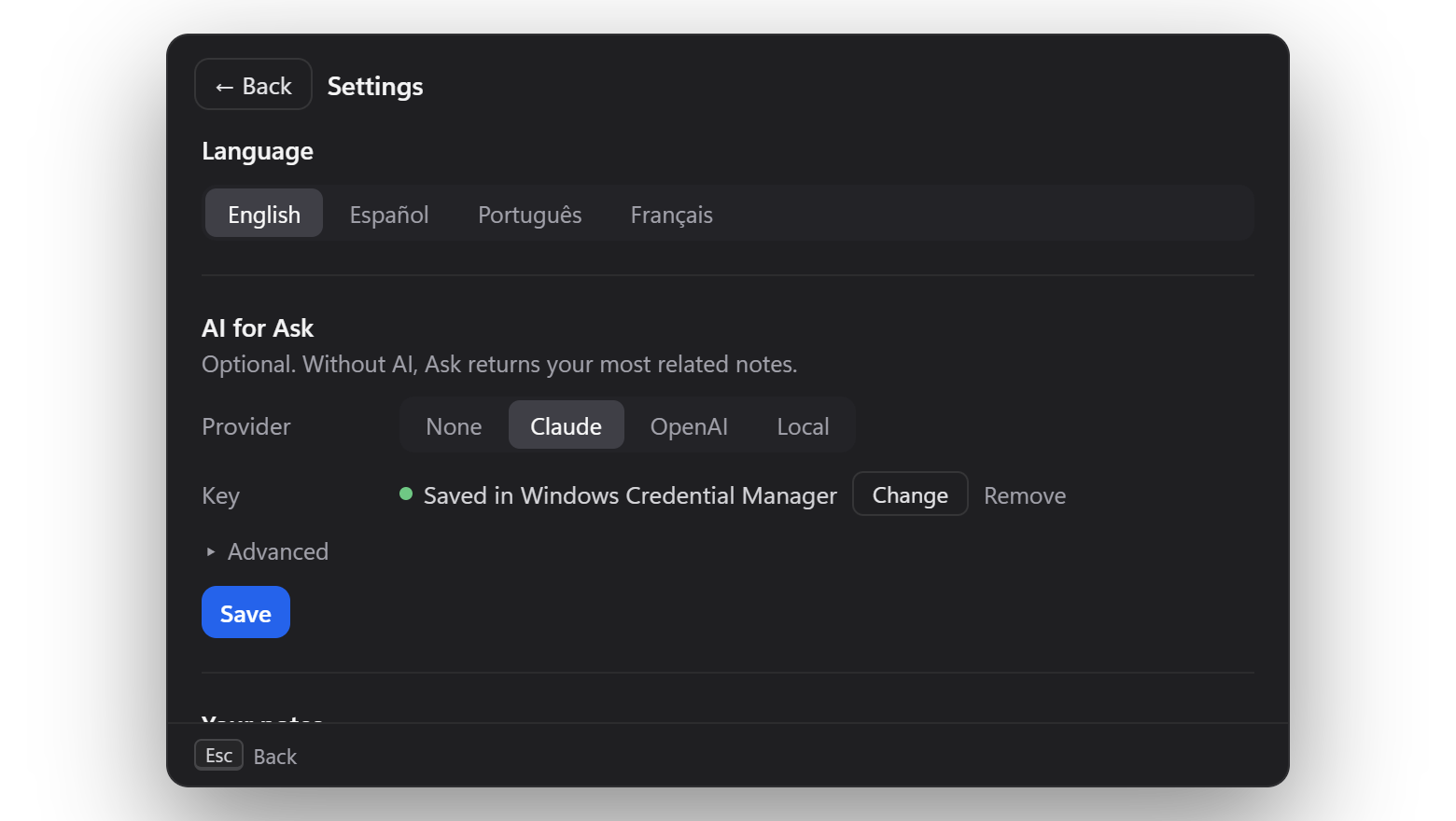
Each mode works on its own. Pick one in Settings and switch whenever you want; your notes stay the same.
Keywords
- Needs
- Nothing. Works as soon as you install Silt.
- Finds
- Notes that contain the words you type.
- You get
- The matching notes, with the words highlighted.
- Leaves your PC
- Nothing.
Local AI
- Needs
- A 490 MB model, downloaded once.
- Finds
- Notes by meaning, even with different words. Understands dates like "last week".
- You get
- The closest notes, best first.
- Leaves your PC
- Nothing. Works offline.
External AI
- Needs
- Claude, OpenAI, or a model in Ollama or LM Studio. Plus the local model, which picks the notes to send.
- Finds
- The related notes, and reads them together.
- You get
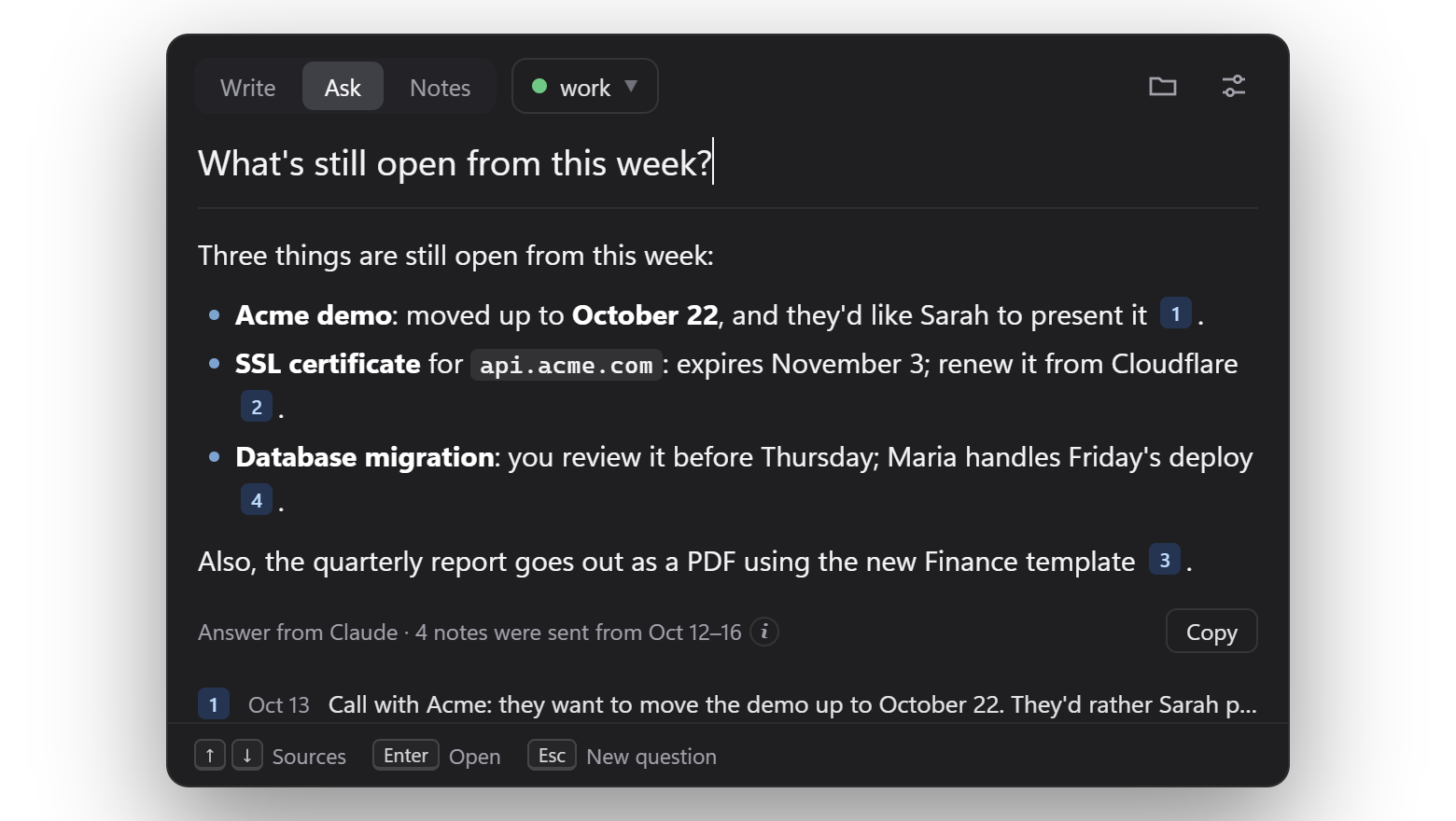
- A written answer that cites each note it used.
- Leaves your PC
- Only the related notes, up to 6. Nothing with Ollama or LM Studio.
Opening, editing and deleting notes from the Notes tab works the same in every mode.
What it does
Most of Silt is a key you press or something you type.
Opens Silt from any app. It appears on top of what you're doing and gives the focus back when it closes.
Saves and closes. The note goes to today's file, under the time you wrote it. Nothing to name, file or tag.
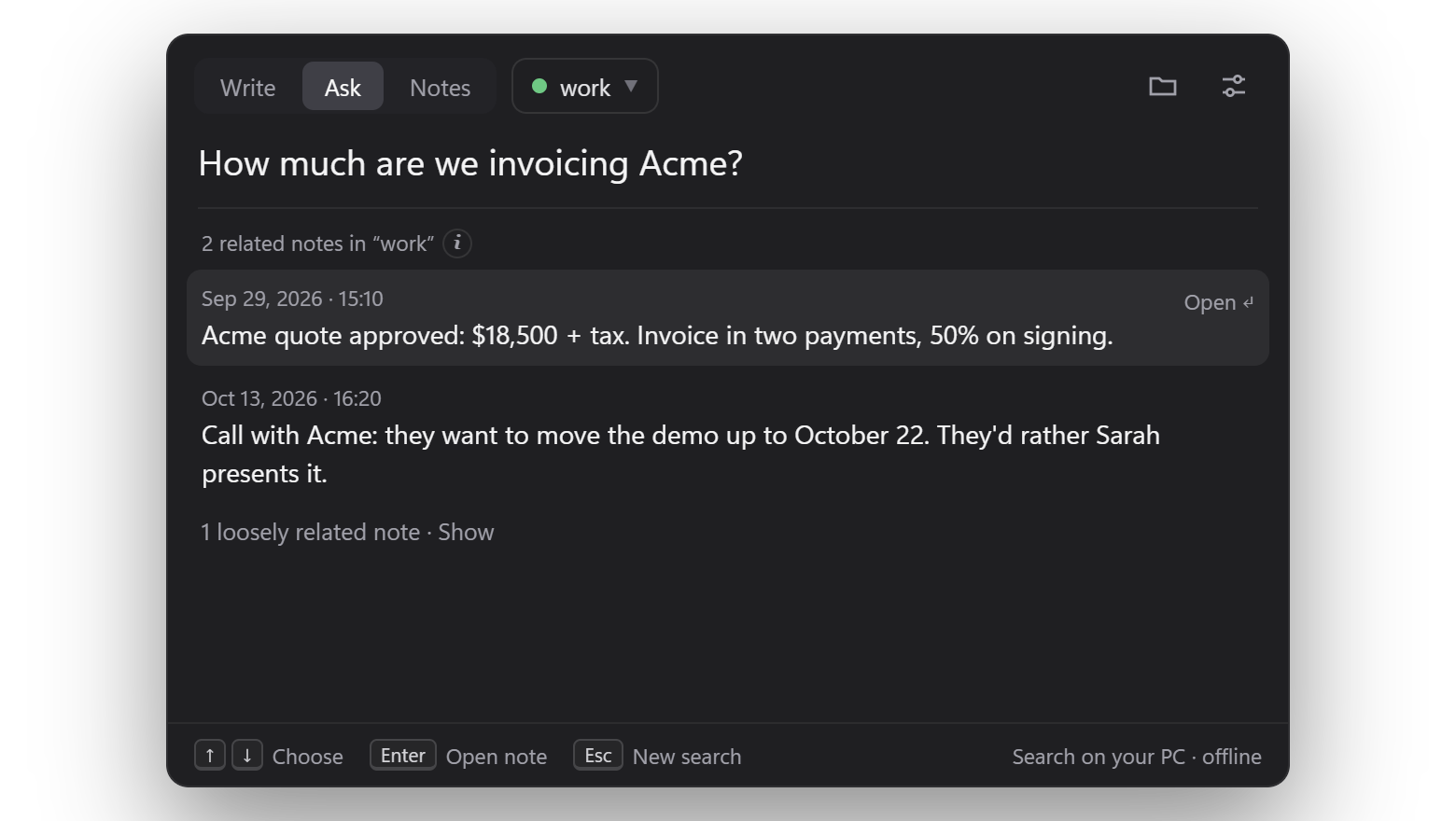
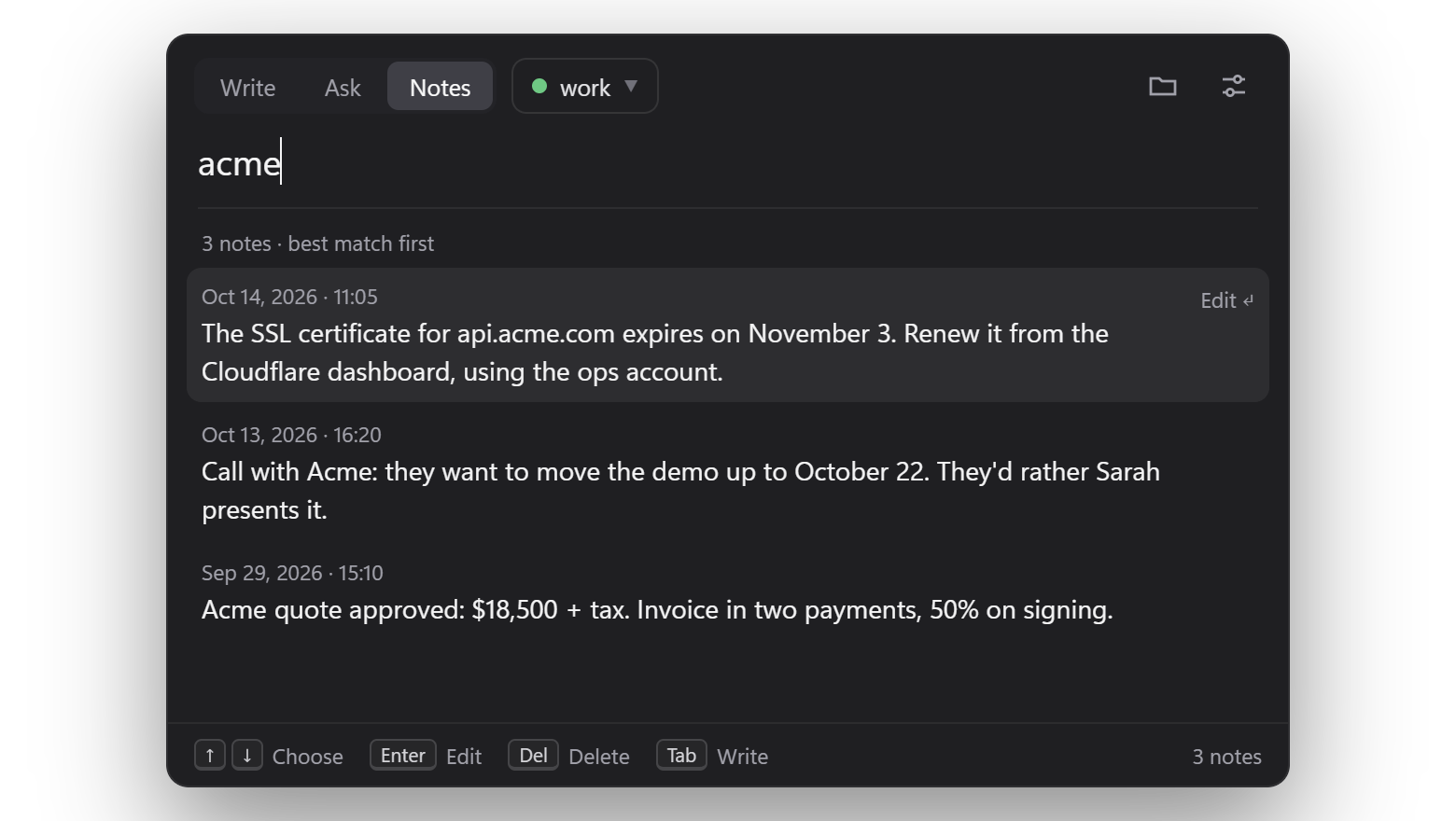
Switches between Write, Ask and Notes. Ask searches with the mode you chose; Notes lists everything in the profile.
Dates in a question narrow the search to the notes from those days. Works in English, Spanish, Portuguese and French.
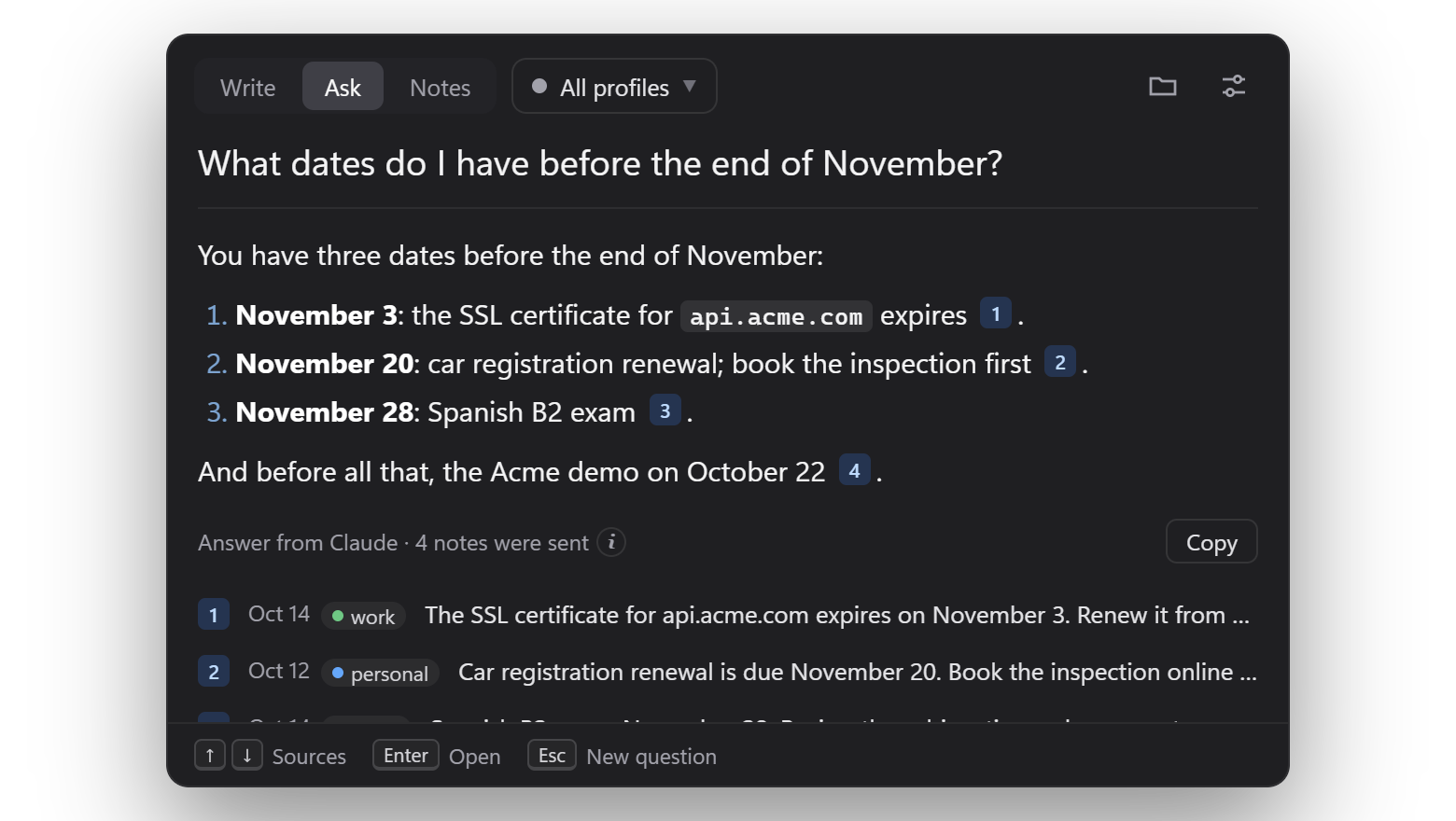
With an AI connected, answers cite their notes. It reads several notes together and tells you which ones it used.
Opens the note. Pick a result or a source and Silt opens that day's journal in your editor.
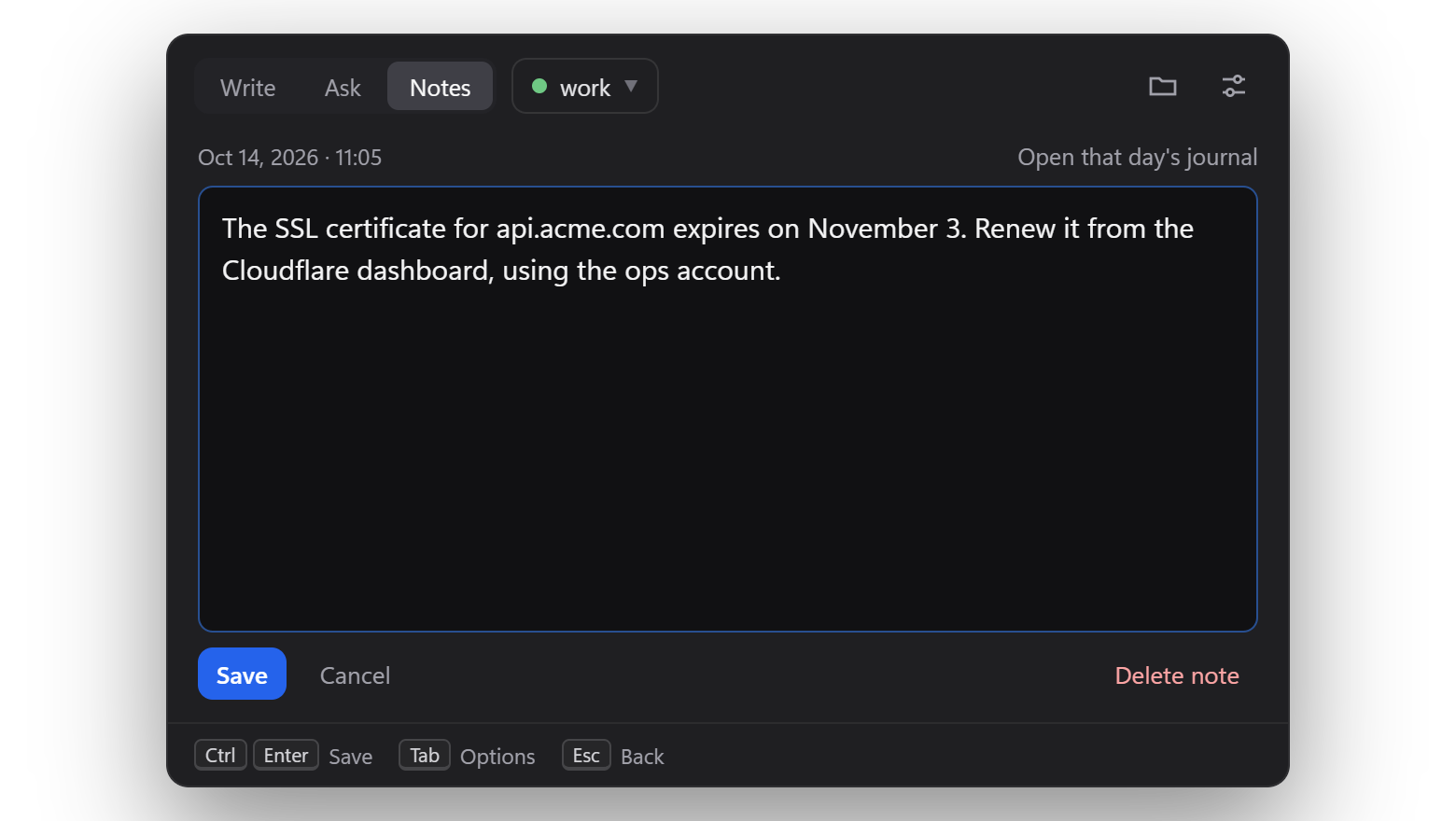
Edits or deletes a note from the Notes tab. Deleting asks first, and only that note is removed from the day's file.
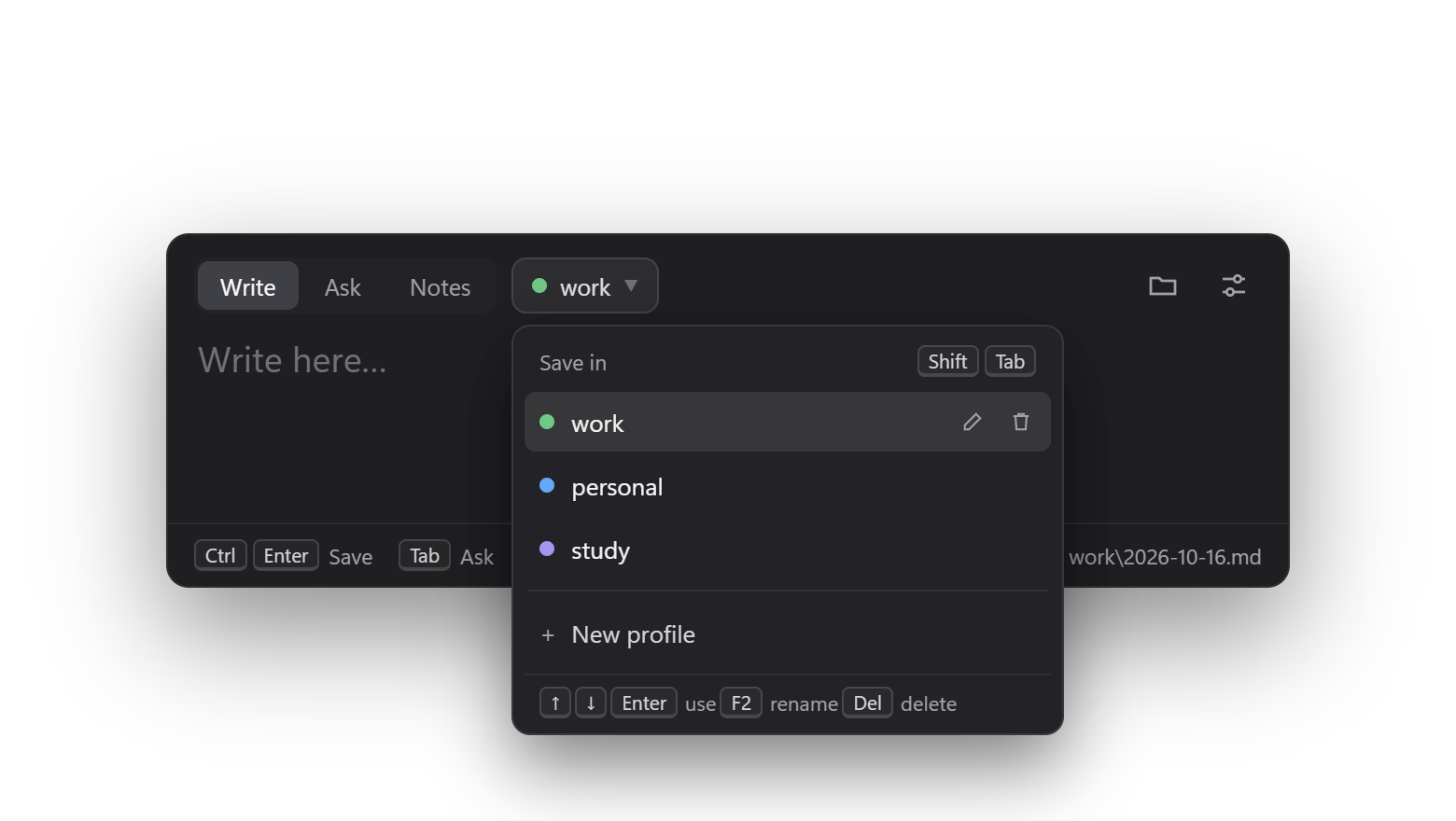
Changes profile. Work, personal, study: each has its own notes and its own search.
Asks across all profiles at once, when you actually want that. Each result shows which profile it came from.
Closes whatever is open, one layer at a time, and then hides Silt.
All your notes, in one folder
Every note from every profile ends up in the same place: Silt's folder, with a subfolder per profile and a Markdown file per day. Since it's just a folder, it works with whatever you already use.
- Sync it with OneDrive, Dropbox, Google Drive or Syncthing.
- Back it up by copying the folder. That's the whole backup.
- Open the files in Obsidian, VS Code, Notepad or any Markdown editor.
- Search or script them with the tools you like: grep, Git, PowerShell.
- Move it to another drive from Settings. Silt moves the notes for you.
Privacy
No account needed. Your notes stay on your computer.
Search runs offline
Keywords and Local AI never send anything. The model is downloaded once and only if you allow it.
AI is off by default
With a cloud AI, each question sends only the related notes, up to 6. With a local model such as Ollama, nothing leaves your PC.
Profiles stay apart
A question in one profile never sees another, unless you choose to ask across all of them.
Coming next
Silt will keep working the way it does now. These are optional additions.
Screenshots
FAQ
Do I need an AI?
No. Keyword search works right away, and the Local AI finds notes by meaning without sending anything. An external AI is optional and gives you a written answer.
Do my notes leave my computer?
Not with Keywords or Local AI. With a cloud AI, each question sends only the related notes (up to 6). With Ollama or LM Studio, nothing leaves your PC.
Can I use my notes on several computers?
Yes: put Silt's folder in OneDrive, Dropbox or Syncthing. An optional sync service and a self-hosted server are planned.
Can I fix or delete a note?
Yes, from the Notes tab: find it, press Enter to edit it or Del to delete it. Silt only touches that note; the rest of the day's file stays as it was.
What format are they saved in?
Markdown: one file per day and profile, with each note under its time (## 10:42).
What do I need?
Windows 10 or 11. Searching by meaning needs a one-time download of a model of about 490 MB.
Is there a mobile version?
An Android version is coming soon.
Download Silt
For Windows 10 and 11.